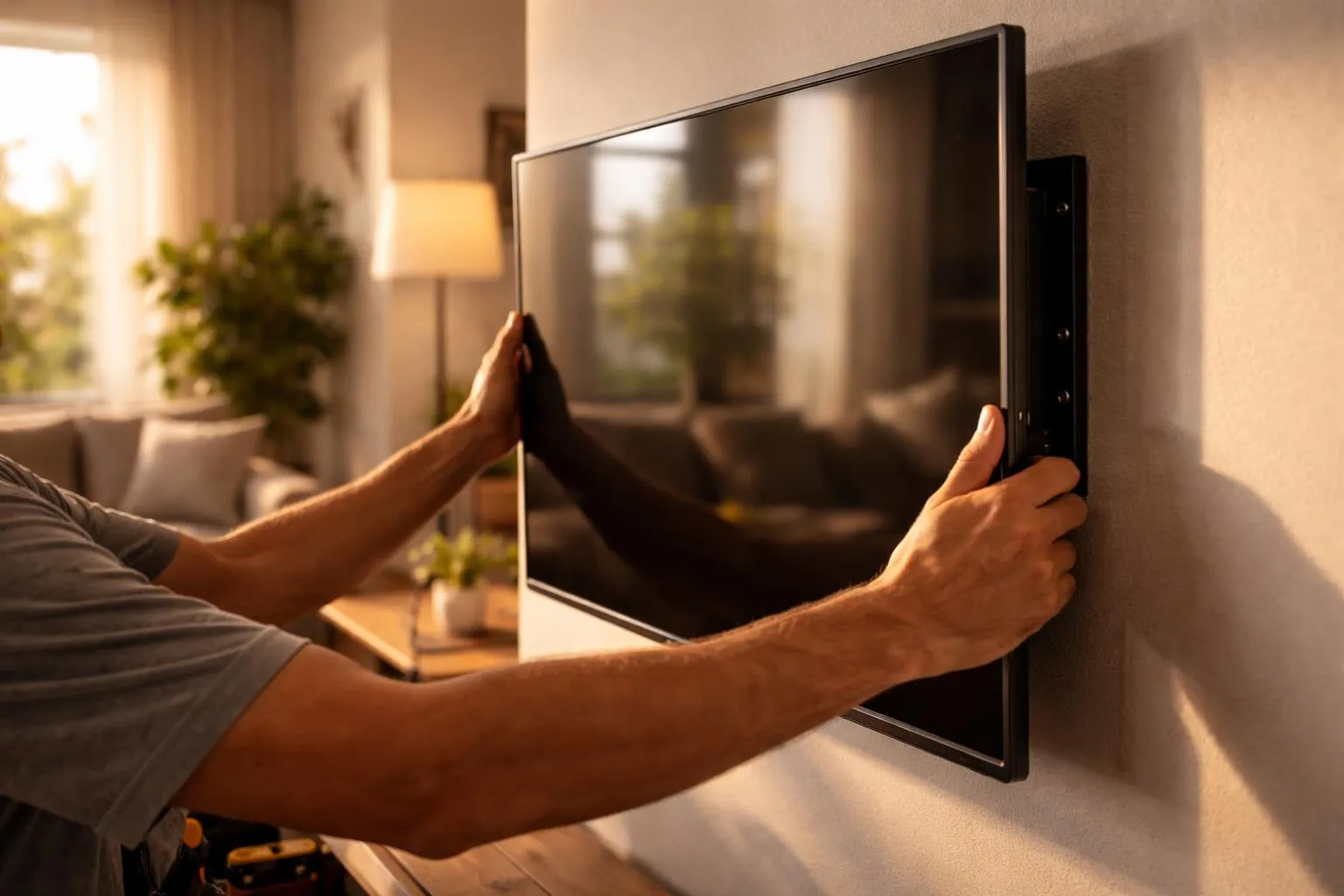
Mounting a TV on drywall is one of those jobs that looks simple right up until you have a drill in your hand and a very expensive screen leaning against the wall. The good news is that drywall with wooden studs is actually a solid setup for a TV mount, if you fasten into the studs and don’t take shortcuts.
I’ve seen the same mistake over and over: people trust the drywall, or they eyeball the stud location, or they buy the first mount they see online because it’s cheap. That’s where trouble starts.
If you want a clean, secure install, the process is pretty straightforward. You need the right mount, the right tools, a careful layout, and a little patience.
Before you drill anything, make sure the mount matches both your TV and the way you want to use it.
Most mounts fall into three common types:
These keep the TV close to the wall. They look clean and simple, and they’re often the easiest to install. If you already know the viewing angle is good and you don’t need to access the back of the TV often, fixed mounts are a solid choice.
These let you angle the screen slightly downward. I like these for TVs mounted a bit higher than ideal, especially in bedrooms or rooms where furniture placement forces the screen upward.
These extend and swivel. They’re useful, but they also put more stress on the wall because the TV weight pulls outward when the arm is extended. If you choose a full-motion mount, make sure it is rated well above your TV’s weight and that it is installed exactly as the manufacturer recommends.
Check these details before buying:
TV size compatibility
Weight capacity
VESA pattern compatibility on the back of the TV
Stud spacing support, usually 16 inches on center in many homes
Hardware included in the box
A mount that “almost fits” is not a fit.
You do not need a workshop full of equipment, but you do need a few basics:
Stud finder
Drill and drill bits
Socket wrench or ratchet
Level
Tape measure
Pencil
Painter’s tape
Screwdriver
Ladder or step stool
Safety glasses
It also helps to have a second person nearby when it’s time to lift the TV. Technically, some smaller TVs can be handled alone. I still wouldn’t recommend it.
This part matters more than people think. A secure install is important, but a comfortable viewing height matters too. A badly placed TV can make a room feel awkward even if the mount is perfectly level.
A few things to think through:
A good rule is to place the center of the screen close to seated eye level. In many living rooms, that lands somewhere around 42 to 48 inches from the floor to the center of the TV, though furniture height and screen size can shift that a bit.
People mount TVs too high all the time. Especially above fireplaces. It looks tidy in photos, but your neck may disagree after a full movie.
Stand where you usually sit and look at the wall at different times of day. If direct sunlight hits the screen, the TV may be watchable, but not pleasant.
If the nearest outlet is far away, plan your cable route before mounting. A dangling power cord can ruin an otherwise clean setup.
If the TV sits above a console, shelving, or a custom unit, leave enough clearance so the screen doesn’t feel crammed. This is where room planning starts to overlap with cabinet design. In a renovation, it makes sense to think about the full wall, not just the TV bracket.
This is the step that carries the whole job.
Drywall alone is not enough for most TVs. The wall plate should be fastened into wooden studs with lag bolts or other hardware specified by the mount manufacturer.
Use a stud finder to locate the studs, then mark both edges of each one. The center between those two marks is where you want to drill.
A few tips:
Studs are often spaced 16 inches apart, but don’t assume
Check for consistency by finding the next stud
Use painter’s tape to mark locations without writing directly on the wall
If the stud finder gives inconsistent readings, verify with a small pilot hole in a spot that will be covered by the mount
This part rewards patience. A missed stud means patching drywall and starting over.
Once you know where the studs are, hold the wall plate against the wall and decide exactly where it should sit. Use a level. Then use it again.
Keep in mind that the wall plate location is not the final TV height. The bracket arms attached to the TV will change where the screen actually lands. Most mount instructions include measurements that show how far the TV extends above or below the wall plate.
This is where people get tripped up. They measure to the bracket and forget to measure to the screen.
If your TV is part of a larger remodel, think about nearby millwork too. A cabinet maker planning a media unit, floating console, or storage wall will usually want the TV placement finalized early, because the spacing affects everything around it.
Once the wall plate is level and centered on the studs, mark the bolt holes with a pencil.
Then:
Drill pilot holes into the center of the studs
Hold the wall plate in place
Insert the lag bolts with washers
Tighten them securely using a socket wrench or ratchet
Do not overtighten to the point that you crush the drywall or strip the wood. Tight is good. Forced is bad.
After the wall plate is attached, test it by pulling on it firmly. It should feel solid, with no wobble.
If it moves, stop there and fix it before the TV ever goes near the wall.
Lay the TV face down on a soft, flat surface, usually a blanket or the foam packaging it came in.
Attach the vertical brackets or arms to the back of the TV using the hardware that matches your TV’s mounting holes. The screw size matters. The length matters too. If the screws are too short, the brackets won’t hold properly. Too long, and you risk damaging the TV.
Use spacers if the back of the TV is curved or recessed. Most decent mounts include several screw options and spacers for that reason.
Tighten the brackets snugly, but don’t go wild with torque. You’re threading into a TV chassis, not building a deck.
This is the moment where an extra set of hands earns its keep.
Lift the TV carefully and hook or lock the bracket arms onto the wall plate according to the mount design. Some mounts use a hook-and-drop style. Others have safety screws or locking tabs underneath.
Once it’s on the wall:
Confirm it is fully seated
Engage any locking hardware
Check level
Gently test for movement
If it tilts or shifts unexpectedly, remove it and inspect the bracket connection before trying again.
A good TV install is about more than holding the screen up. The finish matters.
You have two common choices:
These are easy, affordable, and paintable. They’re a good option if you want a tidy look without opening the wall.
These create a cleaner finish, but they need to be installed properly. One important point here: standard TV power cords should not just be dropped loosely inside the wall. Use a code-compliant in-wall power relocation kit or hire a professional electrician where needed.
If the TV wall is part of a larger room upgrade, cable planning gets even easier when it’s coordinated with cabinet design or built-in storage. That kind of planning can hide streaming boxes, soundbars, and game consoles instead of leaving them stacked in the open.
A few mistakes come up again and again:
Even if the anchor packaging says it can hold a lot of weight, a TV mount should usually be fastened into studs. Especially if the mount tilts or extends.
Mount ratings are not decorative. Stay within them.
The mount may fit the wall perfectly and still fail at the TV connection if you use hardware that doesn’t match the manufacturer’s specs.
This is probably the most common design mistake. If you’re craning your neck, the install may be secure, but it’s still wrong.
If your wall also includes shelving, storage, or a nearby bar area, TV height may need to relate to surrounding elements like a floating cabinet, built-ins, or even a counter top below. That’s why the best-looking installs are usually planned as part of the room, not as an afterthought.
A basic TV install is very doable for many homeowners. Still, some situations are better left to someone who does this kind of work regularly:
Large or extra-heavy TVs
Full-motion mounts
Old walls with uncertain framing
Hidden cable runs
Mounting near fireplaces or masonry transitions
Projects tied into built-ins or renovation work
This is also where a cabinet maker can add real value. If you’re already updating a family room, office, or basement, a well-planned media wall can do more than hold a TV. It can hide equipment, add storage, clean up the whole room, and tie the screen into the rest of the finishes. Good cabinet design helps the TV feel intentional instead of stuck on the wall after everything else was done.
And if the room includes adjacent millwork, shelving, or a custom counter top, getting those details coordinated early saves headaches later.
Installing a TV on drywall with wooden studs is not difficult, but it does require care. The mount has to match the TV. The bolts have to go into the studs. The screen has to land at a height that feels good in real life, not just in a showroom photo.
Take your time with the layout. Double-check every measurement. Respect the weight of the TV and the hardware holding it.
If you’re doing a simple wall mount, that may be all you need. If the TV is part of a bigger renovation, it’s worth planning the whole wall together so the screen, storage, and surrounding finishes actually work as one space. That’s usually the difference between a room that looks patched together and one that feels finished.

.png)


